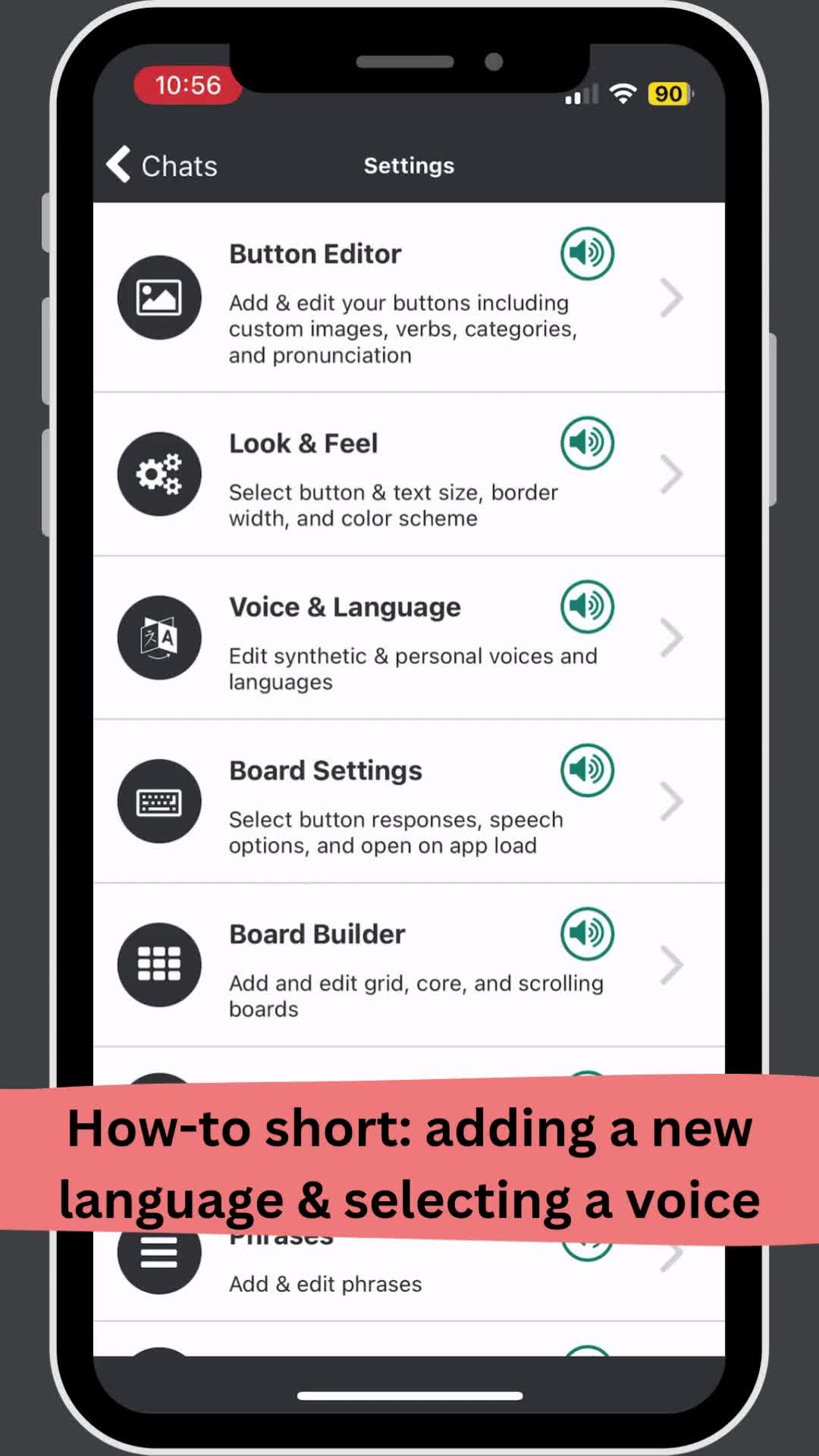
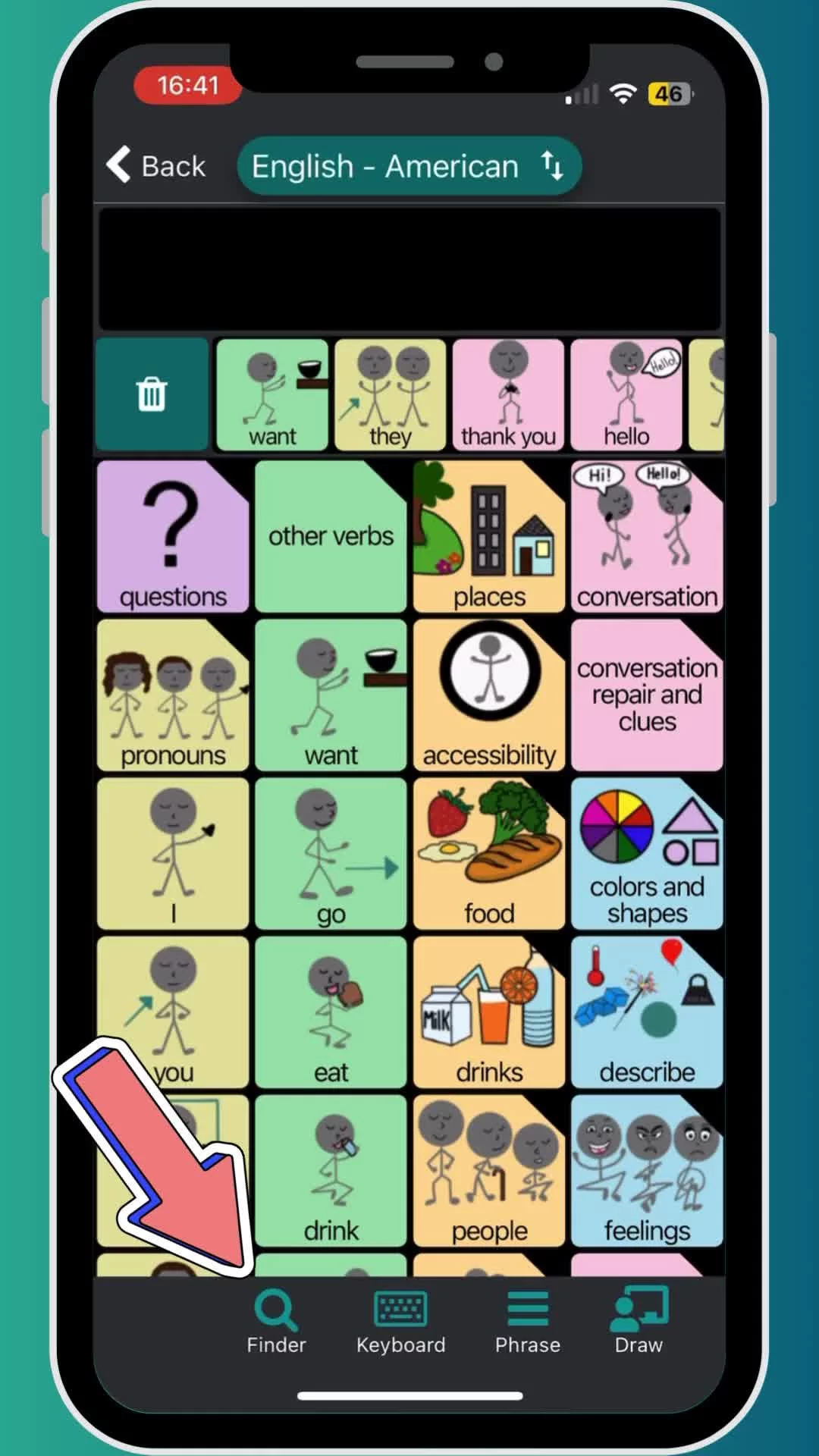
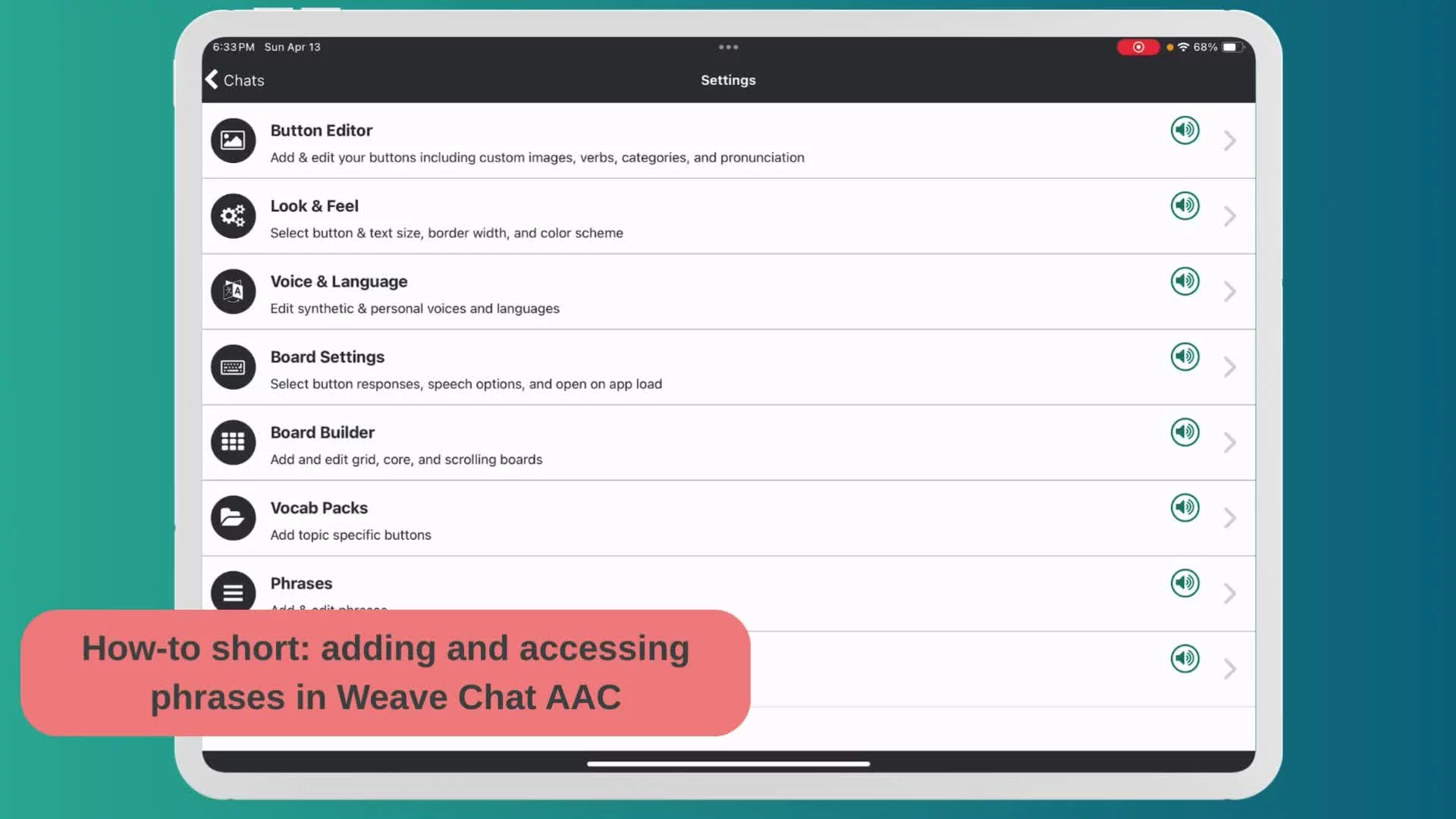
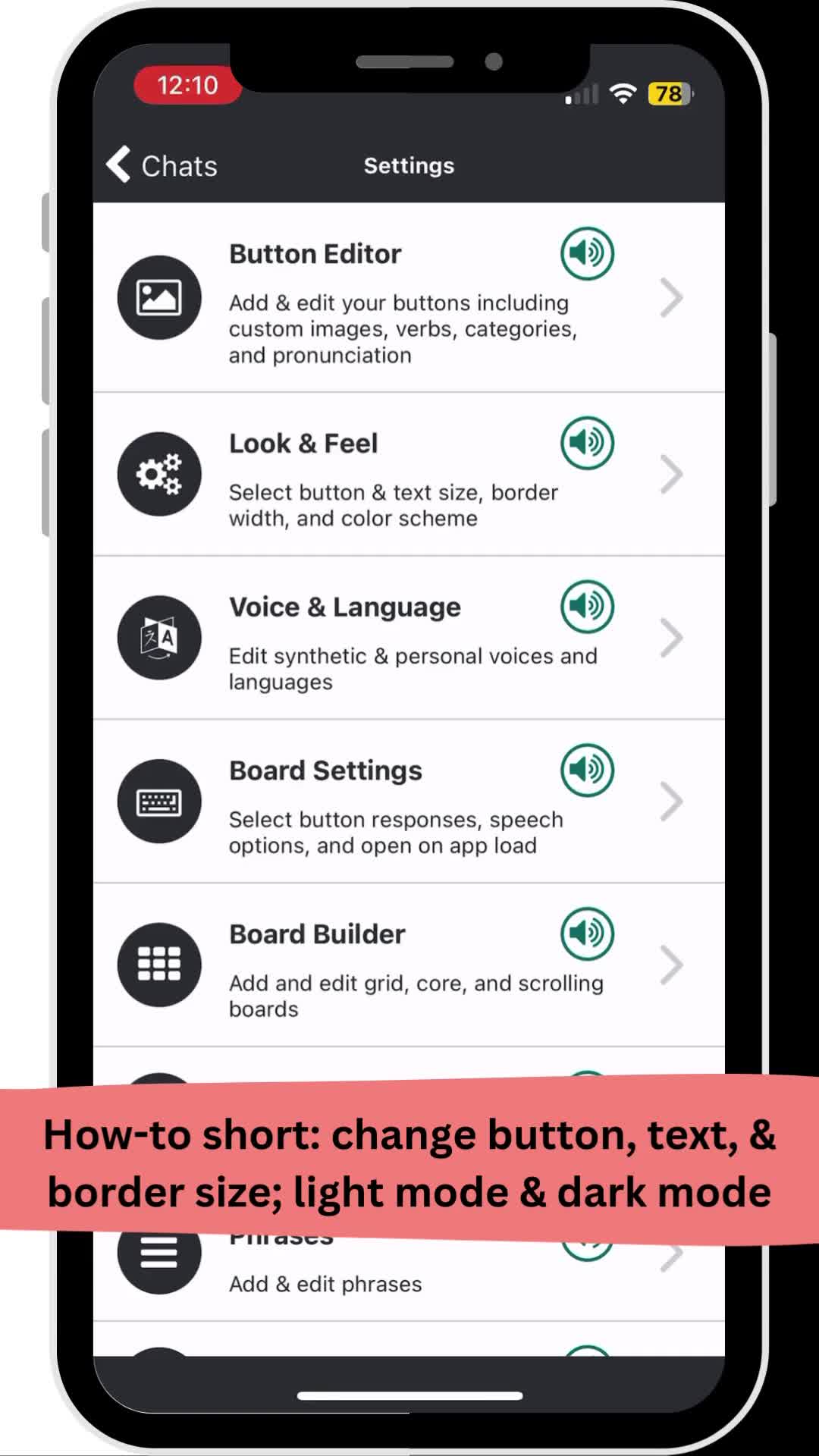
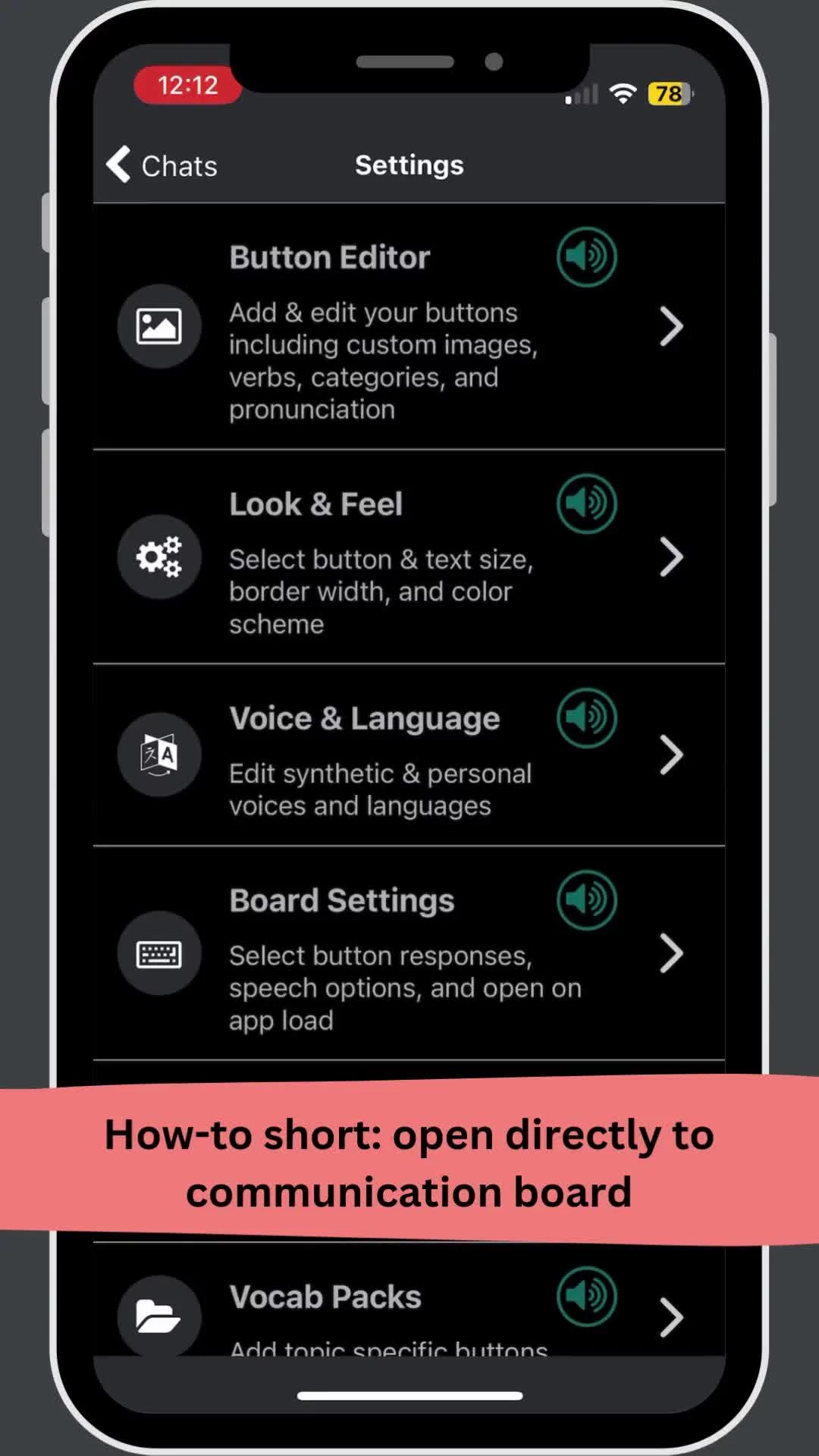
How-to videos, Weave Chat AAC, • 4/15/25 How to shorts: Editing a scrolling board in Weave Chat AAC Previous How-to shorts: edit a board in Weave Chat AAC Next How-to shorts: hide a button in Weave Chat AAC You Might Also Like How-to shorts: adding a new language & selecting a voice in Weave Chat AAC How-to shorts: using the finder in Weave Chat AAC How-to shorts: adding and accessing phrases in Weave Chat AAC How-to shorts: changing button, font, and border size & light/dark mode in Weave Chat AAC How-to shorts: opening directly to the board in Weave Chat AAC
How-to videos, Weave Chat AAC, • 4/15/25 How to shorts: Editing a scrolling board in Weave Chat AAC Previous How-to shorts: edit a board in Weave Chat AAC Next How-to shorts: hide a button in Weave Chat AAC You Might Also Like How-to shorts: adding a new language & selecting a voice in Weave Chat AAC How-to shorts: using the finder in Weave Chat AAC How-to shorts: adding and accessing phrases in Weave Chat AAC How-to shorts: changing button, font, and border size & light/dark mode in Weave Chat AAC How-to shorts: opening directly to the board in Weave Chat AAC