
Weave Chat Platform
Setting up an organization
An AAC app available on iOS and Android devices
Remote editing from your browser
Visual supports e.g. scenes and schedules that are interactive, along with printable materials
An all-in-one stop solution for therapists and educators.
Robust AAC that can be remotely managed.
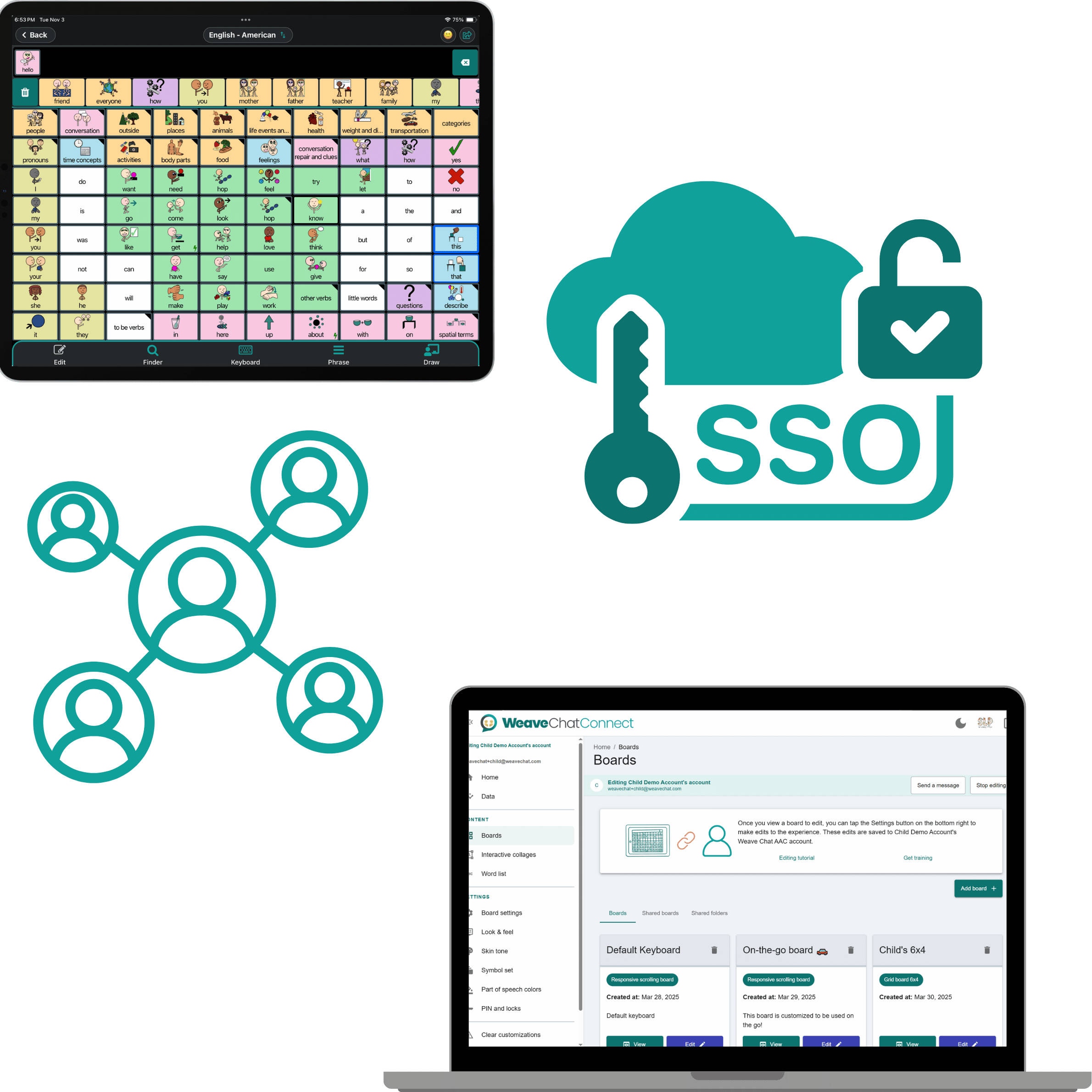
Part 1: the organization
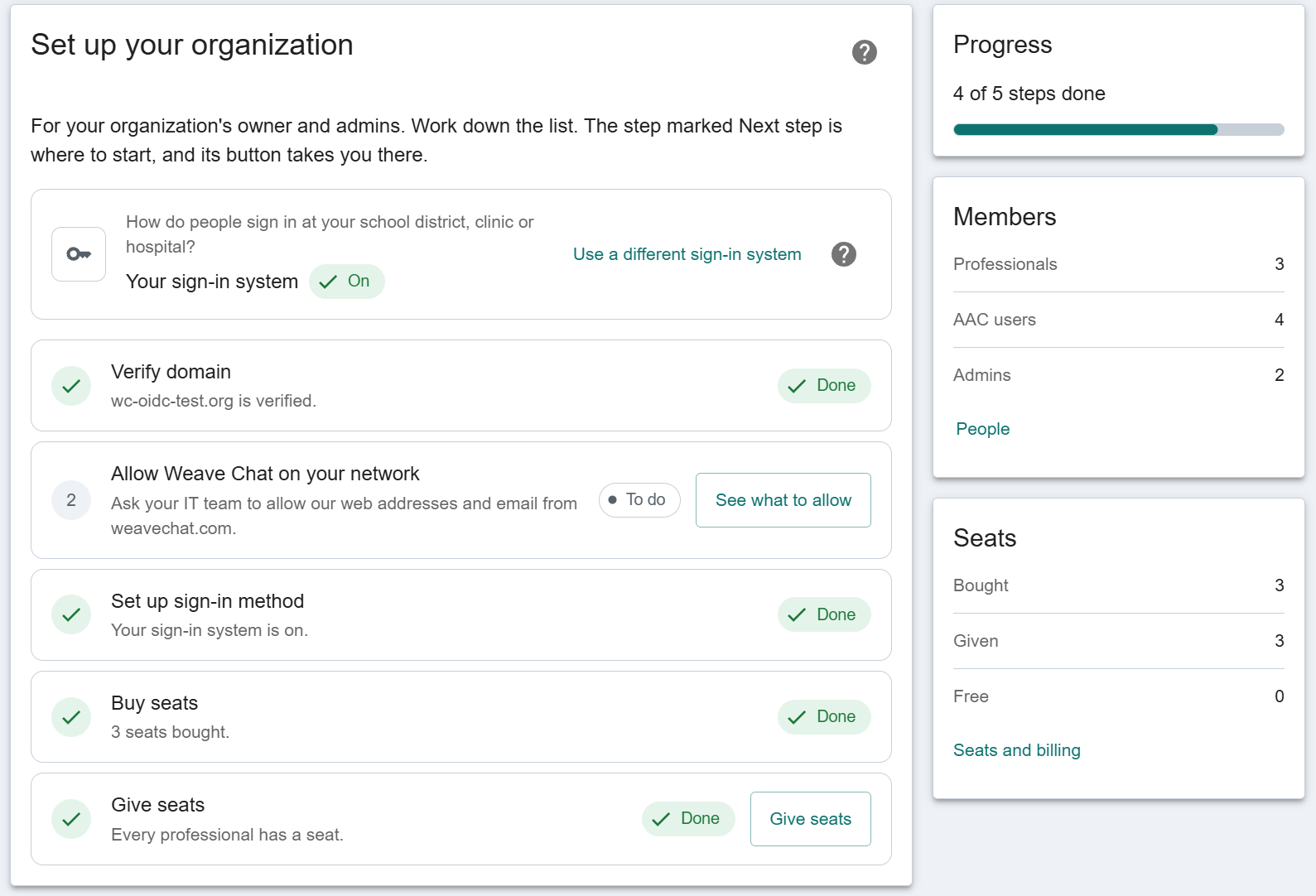
This is where your school district, hospital, clinic administrators set up user accounts and access to the app via SSO. They can also configure access to specific features and control access to vocabulary for users in their organization from this feature.
You do not need to start here, and can skip to step 2 if you do not need this level of administration.
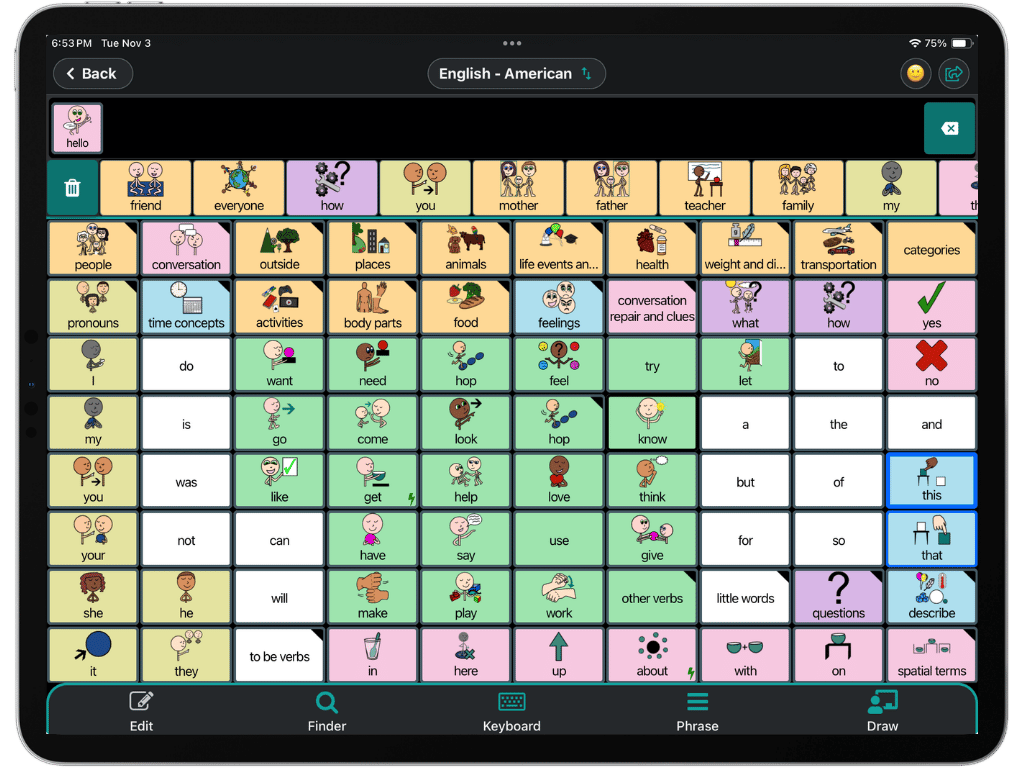
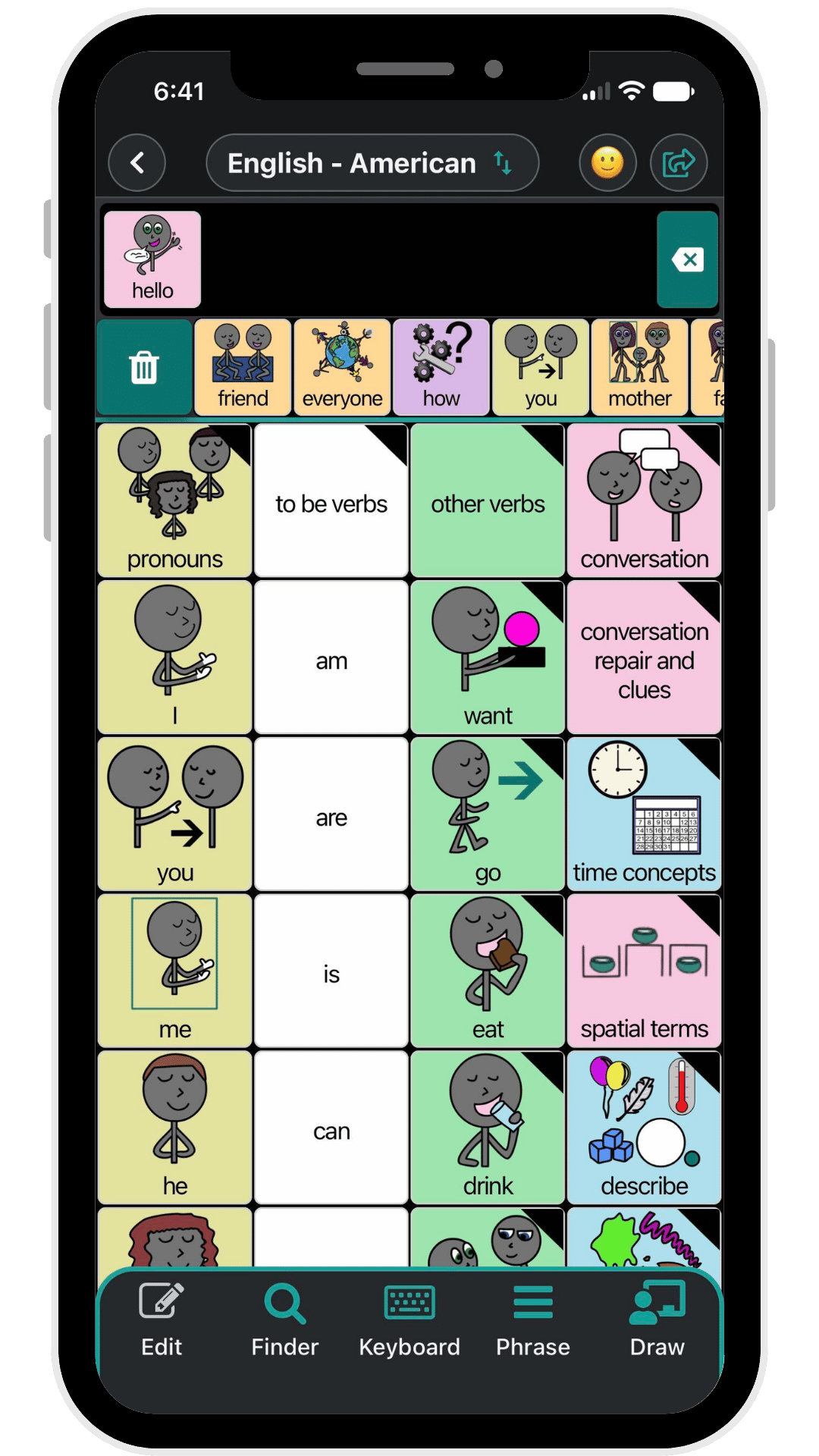
The Weave Chat AAC app is a robust AAC app available for download from the Apple App Store, Google Play Store, and Amazon App Store.
This is the start of the experience for an AAC user. The app can be configured directly from the app or remotely via Weave Chat Connect using the Remote Editor feature.
The app comes with features like skin color configuration, 26 language options with grammar, 20 pre-configured boards, action buttons, custom buttons/folders, and many more dynamic capabilities.
You can configure different boards for a user’s separate devices. Generally users will use one of the grid boards on a tablet and then a scrolling style board on a mobile device. All their devices stay in sync as new vocabulary is added and configurations made, without you having to do anything.
Part 2: the robust, free AAC app
Check out the onboarding experience from this YouTube video.
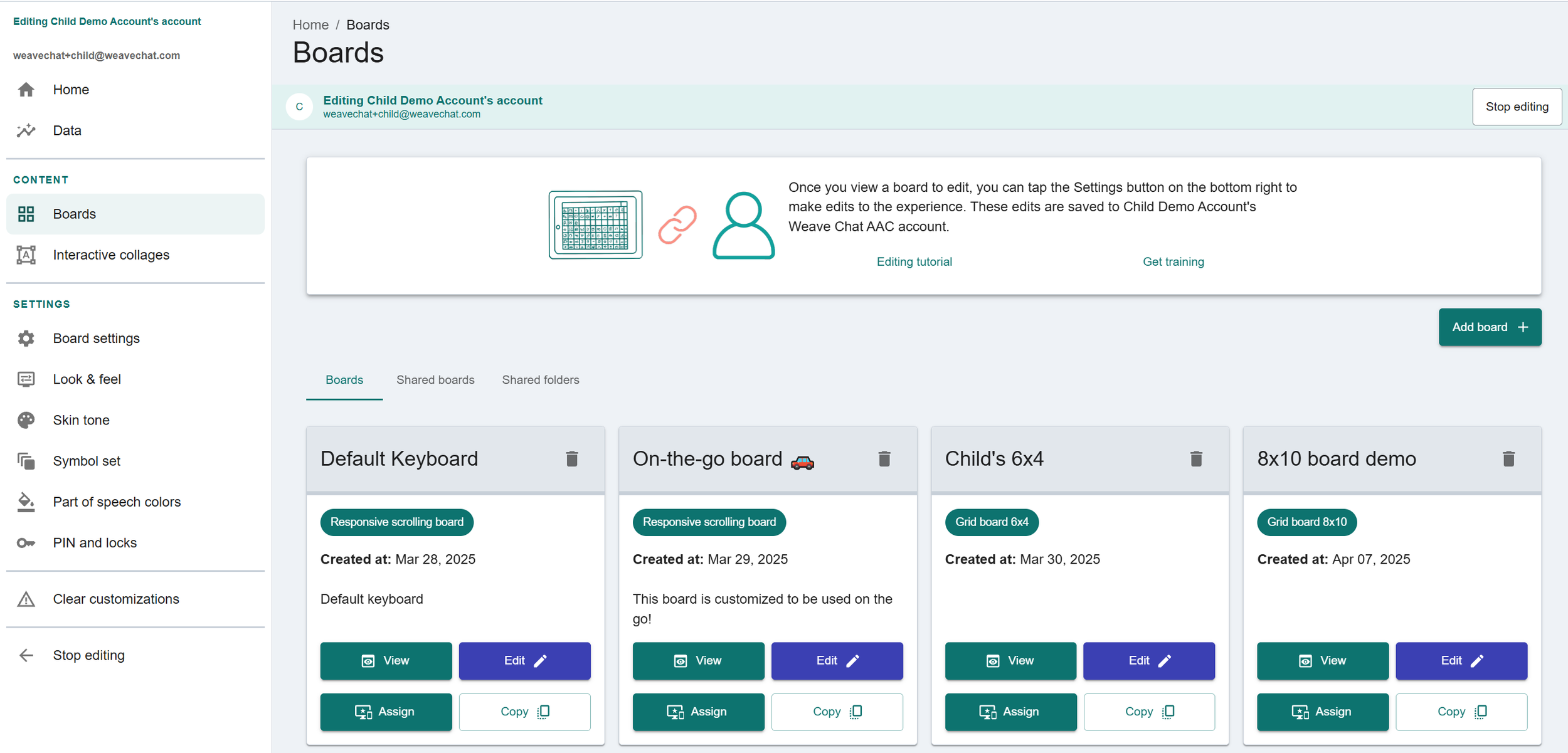
Part 3: efficient remote editing
Remotely edit all your students, patients, clients apps from your browser in Weave Chat Connect (weavechatconnect.com).
This feature includes the ability to manage every aspect of your users AAC experience. You also get access to usage information you can use to better customize devices and boards.
You can also print all the users’ boards if you need low-tech options.
Part 4: portable and interactive visual supports
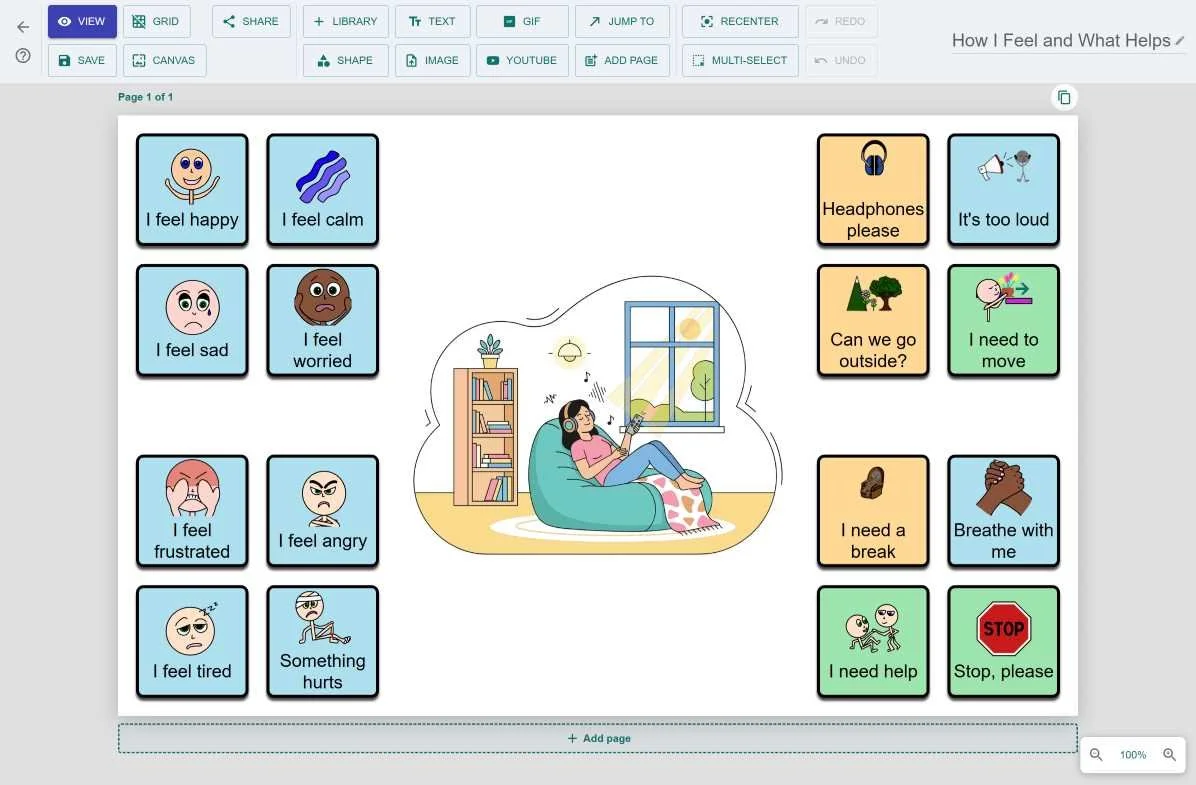
Build visual scenes and schedules that are fully interactive. You can link to these from AAC boards or use them directly in your browser. They’re also printable!
It is a feature rich experience with an extensive list of editing options, including access to over 66,000 AAC symbols from 13 different symbol sets. You can also embed videos, GIFs, and AAC boards as well.
Also you can check out the marketplace for many options to get you started for both visual scenes and schedules, so you’re not starting from scratch.
Questions about getting going?
Reach out if you have questions about how to get started or getting Weave Chat approved at your institution.